An MMORPG for Mac that runs in Safari or Chrome
Mac players know the drill: the game you want is Windows only, or its Mac version arrives late and runs worse. Averse Lands sidesteps that by running in the browser. Here is what works on a Mac today, and what to check first.
Why a browser game suits a Mac
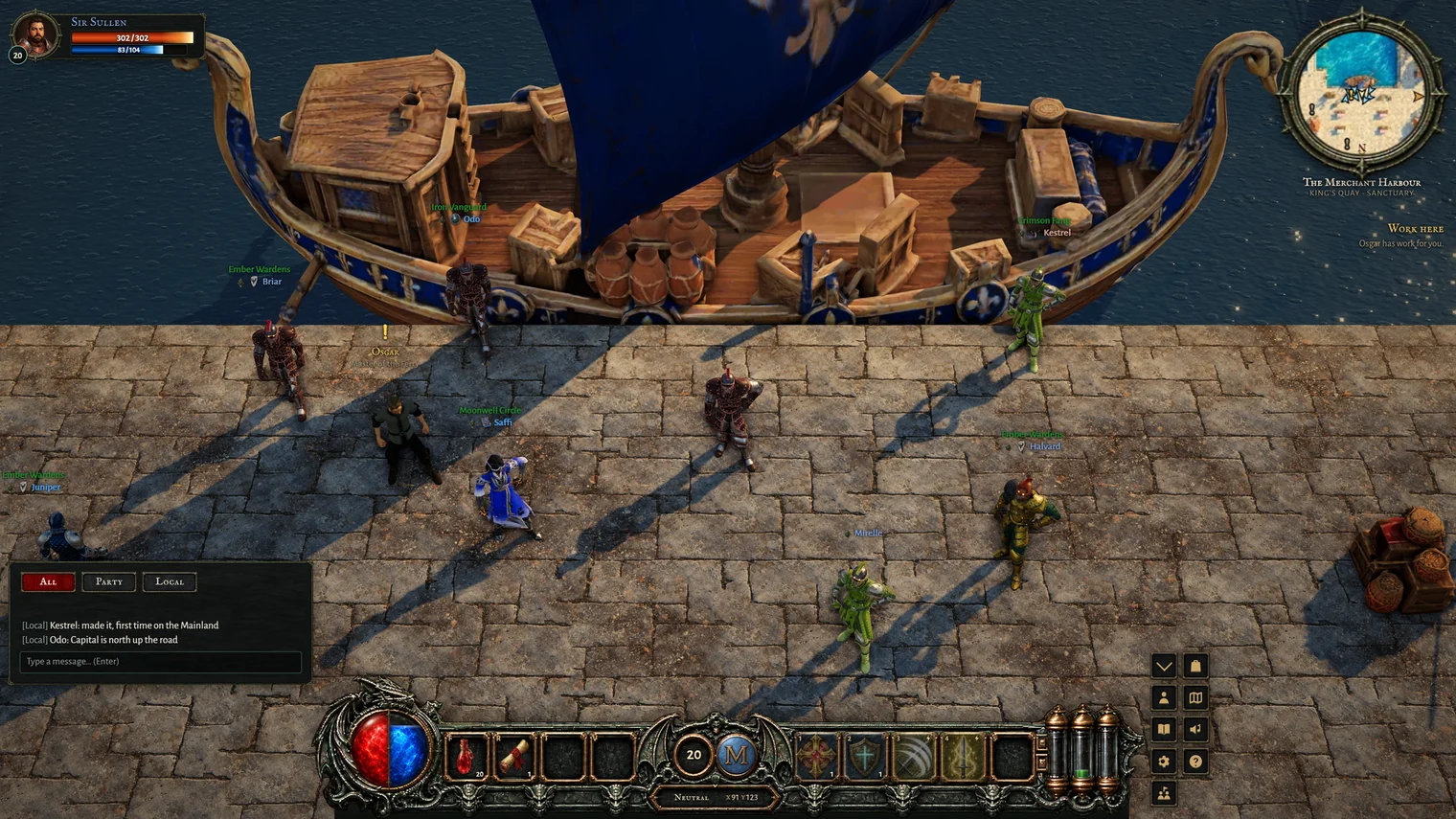
Averse Lands is a free 3D MMORPG that runs in a browser tab. There is no Windows build that a Mac version trails behind, no compatibility layer and nothing to install: a Mac opens the same game, the same world and the same servers as a PC, and plays alongside PC players. Your character lives on our server, so you can switch between a Mac and a PC and carry on where you left off.
What you need
- Safari on macOS 13 (Ventura) or later, or a current Chrome or Firefox. Older Safari cannot show the game's pictures, so the game stops and names the browsers that work instead of loading a broken world. On a Mac too old for macOS 13, try a current Chrome or Firefox instead.
- A mouse is best. You click to walk and attack, and right-click a monster for your weapon's technique. A trackpad works, with a two-finger click as the right click, and Q does the same as that right-click on a monster. Most players will find a mouse easier for long sessions.
- The graphics setting that suits your Mac. High, Medium and Low, switched with G. An older Mac with Intel graphics starts on Medium and an Apple silicon Mac on High, and the game lowers the setting by itself if it cannot keep the picture smooth.
Known limits on a Mac
- We test mostly on Windows PCs. The game runs on the same web standards in Safari, Chrome and Firefox, but our own testing on Macs has been light. If something looks wrong, tell us in our Discord server and we will look at it.
- Keyboard shortcuts. The game's keys are letters and numbers, so they do not clash with macOS's own shortcuts, but browser shortcuts such as Cmd+W still close the tab.
- An iPad is not a Mac. With a trackpad or mouse attached it plays as a computer does; without one it is treated as a touch device, which only has the phone test. See the cross-platform guide.
Other MMORPGs on a Mac
Some well-known games do make Mac versions or run on Macs, Albion Online and Old School RuneScape among them, and they are worth a look if you want something long established. Both need a download. If you would rather not install anything, or your Mac is short on space, a browser game is the simplest way in. The no-download guide covers how that works, and the OSRS comparison explains what kind of game Averse Lands is.
Averse Lands is in a small, free beta. Apply with Discord and we read every application ourselves.
Apply for the beta