An MMORPG for Chromebook and other locked-down browsers
A Chromebook cannot run most MMORPGs: there is nothing to install them on. Averse Lands is a free 3D MMORPG that runs in Chrome itself, so a Chromebook can play it. Here is what to expect, and what can stop it.
Does it run on a Chromebook?
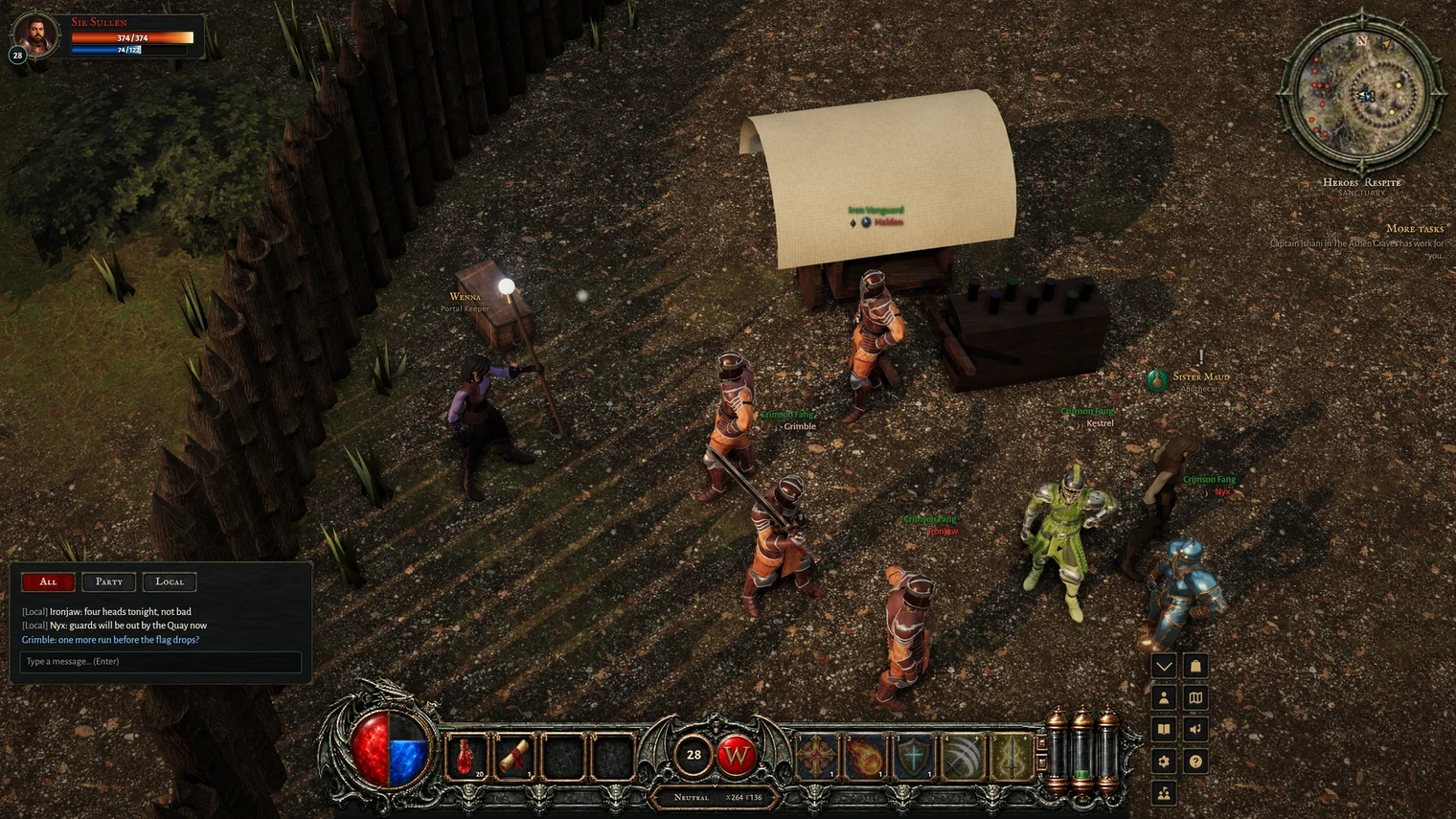
Yes. Averse Lands treats a Chromebook as the computer it is: with its keyboard and touchpad, or a plugged-in mouse, it plays the full game, the same as on a Windows PC or a Mac. Nothing is installed. You sign in on averselands.com in Chrome, press Play, and the world loads in the tab. Your character is kept on our server, so you can play on the Chromebook at home and a PC elsewhere.
A touch-screen Chromebook folded into tablet mode still counts as a computer: the game does not shut it out the way it does a phone.
How well it runs
Chromebooks range from slow budget models to fast ones, so there is no single answer. What helps:
- Pick the right graphics setting. High, Medium and Low, switched with G. Chromebooks with Intel or AMD built-in graphics start on Medium. On any machine, if the picture stops being smooth, the game turns the setting down by itself and tells you in the chat.
- Close other tabs. A Chromebook has less memory than most PCs, and every open tab takes some of it.
- Use a mouse if you can. A touchpad works (a two-finger tap is a right-click), but fights are easier with a mouse.
School and work Chromebooks
Many Chromebooks are managed by a school or an employer, and their administrator decides what the browser may do. The game needs four things, and any one of them can be switched off on a managed device:
- The site itself, averselands.com, not blocked.
- 3D graphics in the browser (WebGL) turned on.
- A live connection to the game server, which some school filters stop even when the website opens.
- Signing in with Discord to apply for the beta, which many schools block.
If one of these is blocked, the game will not run, and we cannot help you get round your school's or employer's rules. Play on a device you own instead.
Other options for a Chromebook
Some Chromebooks can run Android apps, which opens up the phone versions of games such as Old School RuneScape and Albion Online. Those are phone games scaled up to a laptop, and managed devices often block the app store too. A browser game needs none of that. For what Averse Lands is like to play, read how it compares with OSRS; for the technical side on other computers, see the no-download guide and the Mac guide.
Averse Lands is in a small, free beta. Apply with Discord and we read every application ourselves.
Apply for the beta